


How to Export CRM Data Real Estate Without Data Loss
Most real estate agents assume exporting CRM data is as simple as clicking a button and walking away with everything they’ve built. That assumption falls apart the moment an agent actually needs the file, because caps on history, permission locks, and missing documents only show up once it’s too late to fix them.
The best way to back up and export real estate CRM data without losing information starts with knowing what a complete export should hold, which file formats to expect, and how to check that nothing got left behind before you hit export.
Learning how to export CRM data real estate agents can actually trust means understanding both the mechanics and the limits built into most platforms. This guide walks through the eight data categories a full export should carry, the formats you’ll receive, a verification checklist, and the permission traps that block agents from their own sphere of contacts. Platforms like Sure Send, built around automatic backups and direct data ownership, show what a safer default can look like.
Keep reading to see exactly where most exports fall short, and how to build a backup habit before a platform change forces your hand.
Key Takeaways
A complete export covers contacts, notes, tags, lead sources, pipeline stages, transaction history, call and text logs, and documents, not just basic names and phone numbers.
Most CRMs cap how much history comes out, even in a “full” export, and limit export access to account owners or specifically approved users.
Brokerage- and team-owned accounts often block individual agents from exporting the very sphere of contacts they personally built.
Scheduling regular backups protects your data long before you need to switch platforms or prove what belongs to you.
Sure Send is the only CRM known to offer automatic backups of all CRM data by default, instead of gating exports behind manual requests.
What Does “Exporting CRM Data” Actually Include?
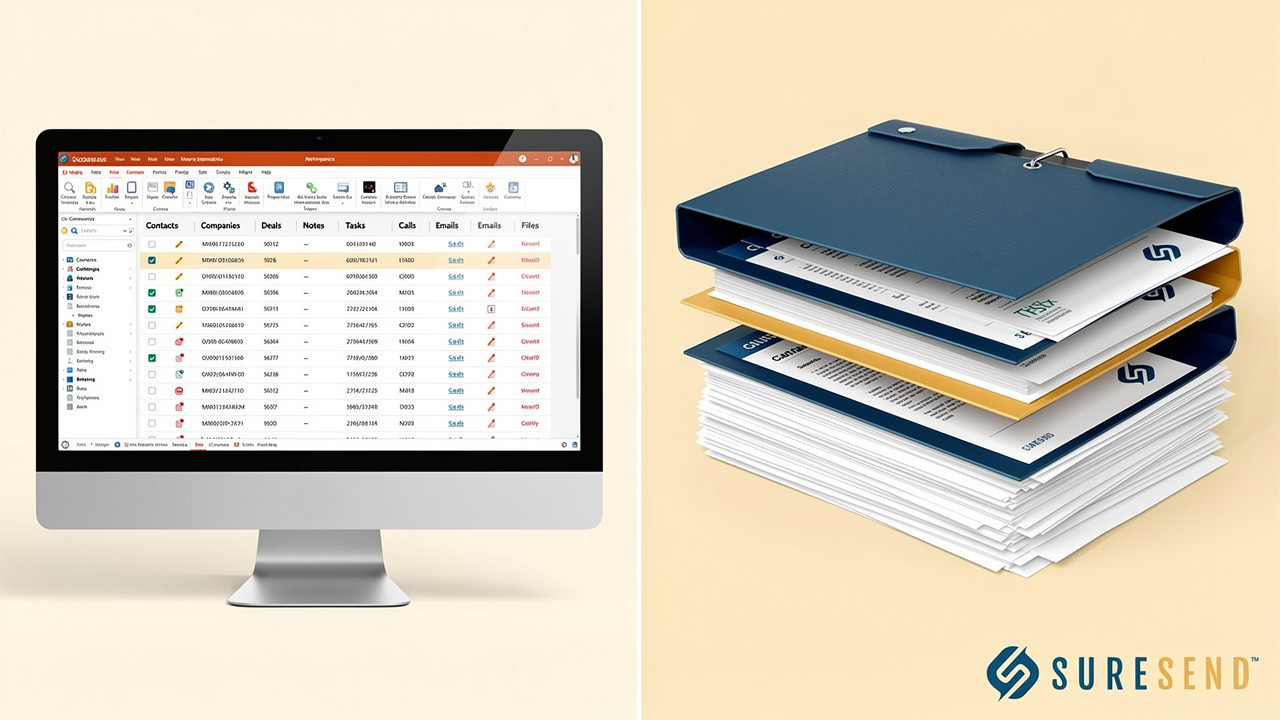
Exporting CRM data means pulling a complete, portable copy of every record your real estate CRM holds, not just a simple contact list.
A true export should contain eight core categories: contacts, notes, tags, lead sources, pipeline or deal stages, transaction history, call and text history, and documents. Each category carries business value that goes beyond a name and a phone number, and skipping even one quietly erases months of relationship work. Before you run an export, it helps to know what a real CRM contact export realtors depend on should actually contain, because the file you download is only as useful as what’s inside it.
Contacts and core details. Names, phone numbers, email addresses, and mailing addresses for every lead and client in the database. This is the baseline most agents picture, but it’s only the first of eight categories you need to check.
Notes. Free-text entries logging conversations, preferences, objections, and personal details an agent gathered over time. These rarely export in full by default, so they deserve a closer look.
Tags. Labels like “hot lead,” “past client,” or “investor” that drive segmentation, filtering, and marketing campaigns inside the CRM.
Lead sources. The channel that originally generated the contact, whether that’s a Zillow inquiry, a referral, or an open house sign-in sheet.
Pipeline or deal stages. Where each contact sits in the buying or selling process, from new lead through closed transaction.
Transaction history. Closed deals, offer dates, sale prices, and property addresses tied to each client record.
Call and text history. Logged communications showing when and how an agent reached out, and how the client responded.
Documents. Signed disclosures, contracts, and other files attached to a contact or transaction record.
Why Notes, Tags, and Call History Matter Most
Notes, tags, and call history carry the most risk because they hold relationship context a spreadsheet of names and numbers can never rebuild on its own. A note explaining that a buyer wants a specific school district, or a tag marking someone as a repeat past client, took real conversations to capture and takes zero effort to lose.
Call and text logs face an added problem beyond simple omission. Many platforms cut these records off at a fixed number per contact, even inside what the system calls a full export, which this guide covers in detail further down.
Which File Formats Should You Expect From an Export?
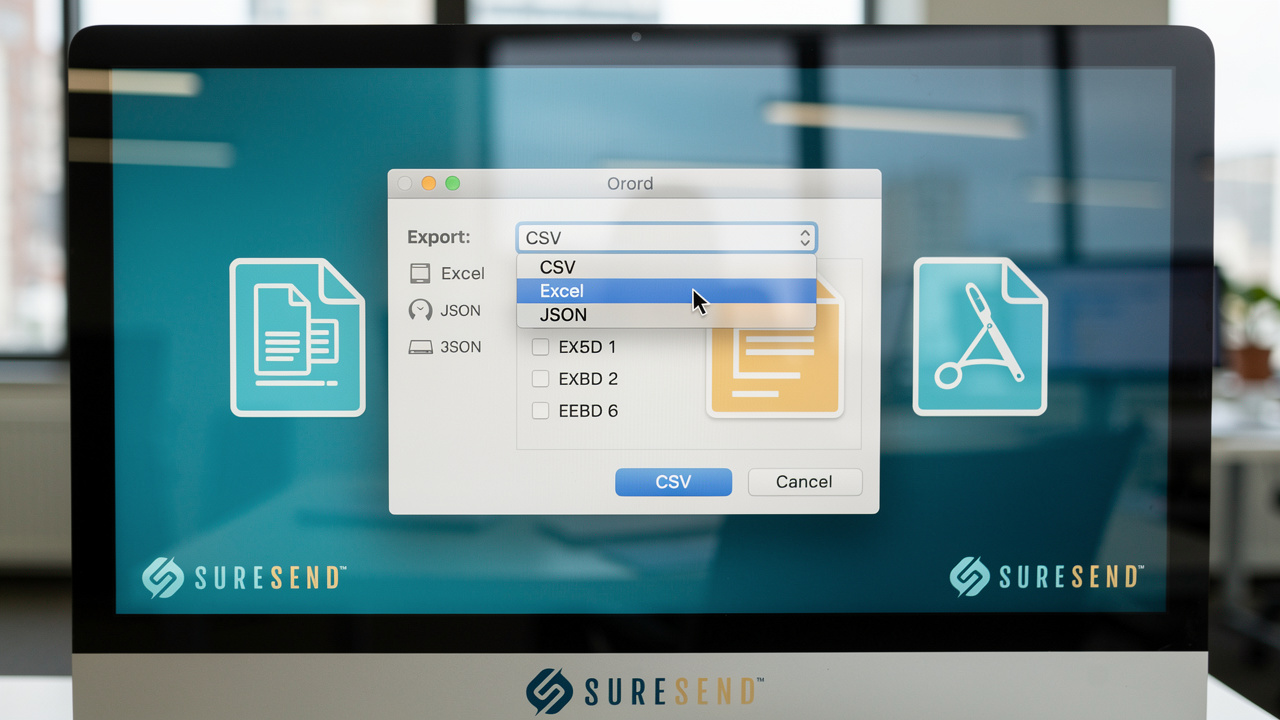
A real estate CRM export is defined by its file format as much as its content, and CSV, short for comma-separated values, remains the near-universal standard, with most platforms offering dedicated CSV import and export tools for contacts, leads, and deals. Nearly every CRM, from legacy platforms to modern cloud systems, can generate a CSV file, which makes it the safest bet for moving data between two unrelated systems without compatibility problems.
Some platforms also offer Excel format, saved as .xlsx, which preserves column formatting a little more cleanly and opens directly in Microsoft Excel or Google Sheets without conversion. If your CRM exposes an open API, you may also receive data as JSON, a structured text format built for software-to-software transfers rather than manual spreadsheet review; this matters more for developers building custom integrations than for most individual agents.
Documents and signed files almost never live inside the same CSV as your contact records. Contracts, disclosures, and e-signature files typically export as a separate batch, often packaged into a ZIP folder you download independently. Agents who assume document links are embedded in the contact file are usually the ones who discover the gap only after they’ve already moved on.
How Do You Check That Your Export Is Actually Complete?
Checking that a CRM export is complete means comparing what the file actually contains against what your dashboard says should be there, before you treat it as a trustworthy backup. Start by opening the file in a spreadsheet program and scrolling through a sample of records rather than trusting the first few rows.
Look specifically at contacts you know well, the clients you’ve worked with for years, and confirm their notes, tags, phone numbers, and email addresses all populated correctly instead of showing blank cells. Pull up your CRM’s reported totals for contacts and notes, then compare those numbers against the row counts in your exported file; a meaningful gap between the two is the clearest sign something got excluded during the export process.
Pay particular attention to call and text history on long-term clients, since these are the fields most likely to get truncated at a platform’s history cap rather than failing outright. If documents were supposed to be included, open a handful of them directly from the downloaded folder to confirm they aren’t corrupted or empty placeholders. This verification step takes twenty minutes and it’s the only thing standing between you and discovering a gap months later, when the original system is no longer available to fix it.
A Quick Verification Checklist

Run through a short checklist every time you export, so verification becomes a habit rather than an afterthought you only remember after something goes wrong. A few minutes spent here prevents the much larger problem of discovering missing records after you’ve already closed out of your old platform.
Confirm your total contact count in the exported file matches the number your CRM dashboard reports for your active database.
Open records for a handful of high-value or long-term clients and check that their notes and call history appear complete, not truncated.
Download any document or attachment files separately and open a sample to confirm they load correctly.
Scroll through custom fields and tags to confirm they appear in the file, not just the standard name, phone, and email columns.
Why Export Limits Are the Biggest Risk Most Agents Overlook

Export limits are the biggest risk in CRM data export because the word “export” rarely means “everything,” and most agents only discover the gap after they’ve already left the platform. A full export sounds complete by name, but many CRMs quietly cap how much history comes out even when you select every available option, and some platforms even require a dedicated backup or takeout API, such as a system’s data takeout process, to retrieve structured records and attached files in full.
Call logs, text threads, and notes are the categories most often trimmed, with platforms keeping only the most recent interactions per contact rather than the entire communication history an agent built over years. An agent who worked a client relationship for three years might export a file that only reflects the last few weeks of calls and texts, with no warning that older history was dropped. This happens quietly, inside the export process itself, so there’s no error message or broken link to alert you that something is missing.
The second limit sits on top of the first, and it has nothing to do with data volume at all, it’s about who is allowed to run an export in the first place. Many platforms restrict export access to the account owner by default, meaning an individual agent working inside a team or brokerage account may not even see an export button, regardless of how much of the database they personally built. Access can sometimes be granted to specific users by an owner or administrator, but that grant is a permission decision made by someone else, not a default right that comes with having a login.
Some platforms go further and require export functionality to be specifically enabled at the account level before anyone can run one, which means even administrators may need to request a feature activation before a backup is possible. Brokerage-owned accounts frequently add another layer on top of that, requiring written approval from a broker before any data can leave the system at all. None of these restrictions are flaws in the software; they’re deliberate design choices that control who can move data out of a platform and under what conditions.
The practical result is that an agent who assumes they can export their full sphere whenever they want may be wrong on two separate counts: the completeness of the history, and their own ability to even start the process.
How Follow Up Boss, Lofty, kvCORE, and RealScout Handle Export Limits
These restrictions aren’t hypothetical, and a few widely used real estate platforms illustrate exactly how they play out in practice.
| CRM | Who Can Export | What Gets Limited |
|---|---|---|
| Follow Up Boss | Account owners by default; owners can grant or revoke access for other users, and the system notifies owners whenever someone runs an export | Even a full export caps each contact’s calls, texts, and notes at the 50 most recent |
| Lofty | Only users specifically granted export access | Agents cannot export private leads owned by someone else on the team |
| BoldtTrail (kvCORE) | Requires export permission to be enabled on the account first | No export, full or partial, runs until that permission is switched on |
| RealScout | Brokerage-owned accounts need written broker approval | Data release is gated entirely behind that approval |
Why Agents on Team or Brokerage Accounts May Not Control Their Own Export
Agents on team or brokerage-owned often cannot export their own sphere of contacts, even though they personally sourced and nurtured every one of those relationships. The account itself, along with the administrative permissions that govern it, typically belongs to the brokerage or team leader rather than the individual producer working the leads day to day.
This distinction between who owns the account and who built the relationships matters enormously the moment an agent considers switching brokerages or going independent. A brokerage may configure its CRM so that only owners or specifically designated administrators can run an export, which means a producing agent has no self-service path to a copy of their own database.
The result is that contacts an agent worked for years, nurtured through dozens of touches, and eventually converted into closed transactions can become functionally inaccessible without someone else’s sign-off. That approval might come quickly, or it might not come at all, depending on how the brokerage relationship is going at the time it’s requested.
None of this reflects a technical limitation of the data itself; it reflects a permissions structure that brokerages and team leads set up intentionally. Agents who understand this ahead of time can have a conversation about data access terms before they need it, rather than discovering the policy during a departure.
Why You Should Export on a Regular Schedule, Not Just When You’re Leaving
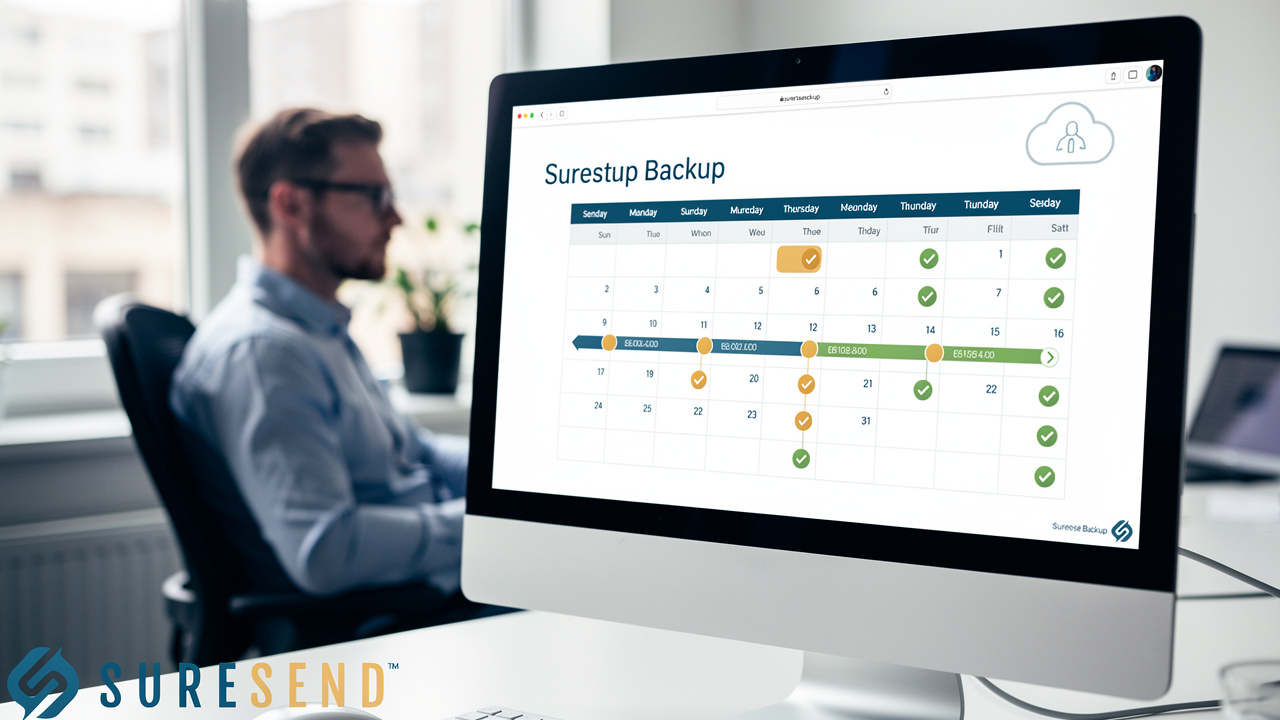
Exporting CRM data on a regular schedule, rather than only when switching platforms, turns data protection into a habit instead of a last-minute scramble. Waiting until you need to leave a CRM means you’re requesting an export under pressure, often at the exact moment when permissions are hardest to secure and relationships with an outgoing vendor or brokerage are most strained. The history caps and ownership restrictions covered above don’t go away just because you’re in a hurry, and a rushed export is far more likely to go unverified before you need it most.
A scheduled backup habit, run monthly or quarterly depending on how fast your database grows, protects you from several distinct risks at once:
Account disputes with a brokerage or team, where access to your own data suddenly becomes a negotiation.
A platform shutting down or getting acquired, which has happened before in this exact market; Contactually, a CRM many independent agents relied on, was acquired by Compass in 2019, and agents who hadn’t already protected their own data found themselves working against the clock.
A CRM quietly changing its own export rules or caps over time without much warning to existing customers.
An agent who already has a recent backup sitting in secure storage faces none of these scenarios as a crisis; it’s simply a file they already have. Building that habit now, while there’s no deadline forcing your hand, is the single most reliable way to avoid losing years of client history to a permission wall or a corporate acquisition you never saw coming.
How Sure Send Handles Automatic Backups Differently
Sure Send approaches this problem differently by building automatic backups into the platform itself rather than treating export as a manual, permission-gated request. It operates as a full CRM replacement on proprietary infrastructure, independent of a parent company, which keeps the question of who controls your data settled from day one.
As far as we know, Sure Send is the only CRM that lets users set up automatic backups of all their CRM data by default, rather than requiring an owner to approve a one-off export every time someone needs a copy. Readers who want the ownership angle in more depth can check this guide to real estate CRM data ownership or this overview of CRM data independence.
What Should You Know Before Switching CRMs Entirely?
Switching CRMs entirely raises the stakes on every issue covered so far, because permission limits, history caps, and missing documents all compound at once during a full platform migration. A contact export that was already missing older call history becomes a permanent gap once the source system is retired, and an agent locked out of exporting their own sphere has to resolve that access question before any migration can even start.
Full platform migrations also introduce new variables beyond data export alone, including field mapping between systems, rebuilding automated workflows, and reconnecting MLS feeds for listing alerts, a process similar to changing your listing uploader or CRM on a listing platform, which go well beyond the scope of a single export. These are substantial projects that deserve their own dedicated planning rather than a quick checklist.
If you’re actively weighing a move, it’s worth reading a focused breakdown of CRM platform risk in real estate before you commit. Agents coming from specific platforms can also find direct paths, including a guide to migrating from Follow Up Boss and a guide to migrating from LionDesk.
The Takeaway
A complete CRM export covers eight categories, contacts, notes, tags, lead sources, pipeline stages, transaction history, call and text logs, and documents, and a backup that’s missing even one of those quietly leaves relationship history behind. The real risk was never the mechanics of clicking export; it’s the history caps and ownership permissions sitting underneath that button, often invisible until the exact moment you need them most.
Build a regular backup habit now, while there’s no deadline pushing you, rather than discovering your platform’s limits during a brokerage dispute or a rushed migration.
Tools like Sure Send, which automate backups by default instead of gating them behind owner approval, make that habit far easier to keep.
Frequently Asked Questions
Can I export my CRM data if I’m not the account owner?
It depends entirely on your platform’s settings, and many CRMs, including Follow Up Boss, restrict export access to account owners by default. Owners can grant export permission to specific users, so check with your admin or broker before assuming you’re permanently locked out of your own records.
Will exporting my data remove it from the original CRM?
No, exporting a file only creates a copy and doesn’t delete or move anything out of the source system. Your original CRM keeps its full records intact unless you or your administrator separately request deletion of that data.
How often should real estate agents back up their CRM data?
Most agents without an automatic backup tool should export at least monthly or quarterly as a baseline habit. Increase that frequency as your database or transaction volume grows, since a larger, busier pipeline has more recent activity at risk if something goes wrong between backups.
What happens to my call and text history if my CRM only exports the most recent 50?
Interactions beyond that cap simply don’t appear in the exported file, and there’s typically no built-in way to retrieve them once the source system is gone. The safest fix is exporting more often, so older history never has time to age out of the retained window.
Can my brokerage block me from exporting contacts I personally generated?
Yes, brokerage- or team-owned accounts frequently restrict export permissions regardless of who originally sourced or worked the lead. This is a permissions and ownership design choice made by the CRM and the brokerage, not a technical limitation of the underlying data itself.
Do exported documents and e-signatures come with the contact export?
Usually not automatically; documents and signed files typically export as a separate batch or ZIP folder rather than being embedded inside the contact CSV. Always confirm document export is included in your plan and test download a sample file before relying on it as a complete backup.

Written by