
CRM for New Real Estate Agents: Tools That Actually Work
Most new real estate agents don’t fail because they lack hustle. They fail because their business runs on memory, sticky notes, and a spreadsheet that gets messier every week a new lead comes in. A CRM for new real estate agents solves this by giving you one place to capture every contact, track every follow-up, and know exactly who needs your attention today.
The right system isn’t the one stacked with the most features. It’s the one built around the daily habits that actually produce closings, things like fast response times, consistent follow-up, and a pipeline you can actually see at a glance. This article walks through the core jobs your CRM needs to handle in year one, the criteria that separate a tool you’ll use from one you’ll abandon by month three, and a practical look at platforms, including Sure Send, that fit agents just getting started. By the end, you’ll have a clear framework for choosing a system that grows with you instead of slowing you down.
Key Takeaways
The daily jobs a new agent’s CRM must handle, from capturing leads to building repeatable habits
Why simplicity beats a long feature list when you’re still learning the business
The non-negotiable evaluation criteria, including speed, mobile access, compliance, and data ownership
How Sure Send’s Win the Day approach fits agents still building their first pipeline
What to avoid overbuying before your business actually needs it
What Daily Jobs Should A New Agent’s CRM Actually Handle?
A CRM for a brand-new agent has one real purpose: turning scattered contacts and conversations into a system you can run your whole day from. Instead of judging platforms by how many features they list, it helps to think about the specific jobs the system needs to perform every single day, because those jobs are what separate agents who build a steady pipeline from agents who lose track of leads within a few months. Most CRMs marketed to new agents claim to do everything, but only a handful handle these core functions well enough that you’ll actually keep using them.
Capture every relationship, not just the leads that come through a portal. Referrals, past coworkers, open house visitors, and sphere contacts all need a home in the system or they quietly disappear.
Respond fast to new inquiries, since speed often decides who wins the client, not polish or experience.
Know who to contact today without guessing, through a clear daily list rather than scrolling an inbox hoping nothing got missed.
Follow up consistently across weeks and months, because most prospects need several touches before they’re ready to act.
Protect consent around calling and texting compliance, so outreach stays compliant as your contact volume grows.
Manage a simple pipeline that shows where each deal sits without extra spreadsheets on the side.
Build repeatable habits, since a CRM only works if logging into it becomes part of your daily routine, not an occasional chore.
A lot of new agents sign up for a CRM, load in a few contacts, and never define what they’re supposed to do with the tool each day. Without a clear clear follow-up plan built in from day one, the CRM becomes just another inbox to ignore, and the habit never forms.
Why Speed-To-Lead Matters More Than Experience
Speed-to-lead means responding to a new prospect within minutes, and it consistently outperforms experience as a predictor of who wins the business. The agent who replies first typically earns the relationship, even when a more seasoned competitor eventually reaches out with a stronger pitch.
Industry estimates suggest a missed or delayed lead can cost of lost leads more than $25,000 in lost commission over that prospect’s lifetime. Leads that get actioned within 60 seconds of arriving behave very differently than ones that sit for a few hours, because the prospect is still actively engaged and hasn’t moved on to another agent or portal.
Why Do So Many New Agents Abandon Their CRM?

New agents abandon their CRM for predictable, structural reasons rather than simple laziness, and recognizing these patterns early can save a new agent months of wasted subscription fees. The most common failure starts before the first login even happens, when an agent signs up without deciding what their follow-up plan will actually look like inside the tool.
No follow-up plan before signup. Without predefined sequences for new leads, active clients, and past clients, the CRM has no clear job to do, so it sits unused while the agent reverts to memory.
Overwhelming interfaces with thin training. Many platforms pack in enterprise-level features a solo agent doesn’t need yet, and when onboarding is rushed, the system feels more like homework than help.
Reverting to sticky notes and spreadsheets. Once an agent misses a few days of CRM logins, old habits creep back in, and the database quietly stops growing.
These failures carry real financial weight. Data on real estate agent failure rate shows that roughly 64% of REALTORS® with two years of experience or less earn under $10,000 net annually, with a median closer to $7,800. For agents operating on margins that thin, a CRM subscription that goes unused isn’t just wasted money, it’s a missed chance to build the habits that eventually produce a sustainable income.
The Hidden Cost Of A Fragmented Tech Stack

A fragmented tech stack quietly drains both money and mental energy from new agents who stitch together separate tools instead of using one connected system. Solo agents piecing together a CRM, a texting app, an email platform, and a separate pipeline tracker tools often spend somewhere between $5,000 and $18,000 or more per year across these disconnected subscriptions.
Beyond the dollar cost, every extra tool adds a decision point: where did I log that call, which app sent that text, is this lead even in my pipeline. Consolidating contact management, communication, and pipeline tracking into one platform reduces both the monthly bill and the mental load of remembering where everything lives.
What Should You Look For In A CRM When You’re Just Starting Out?
The right CRM for a beginner real estate agent earns its spot through a short list of practical criteria rather than a long feature checklist. This matters because housing supply shortages have made every lead count more than ever, nearly one-third of Realtors® reported lack of inventory as a top obstacle to closing deals in recent years, making fast, compliant follow-up systems essential rather than optional.
Simplicity and setup speed matter more than depth of customization, since a system that takes weeks to configure delays the habit-building that actually drives results.
Mobile access needs to be full, not a stripped-down version of the desktop experience, because most of a new agent’s day happens away from a desk.
Automation depth should cover the basics, drip sequences, reminders, and task assignment, without requiring a developer to set up.
Built-in calling and texting keep communication in one thread instead of scattered across a personal phone and a separate app.
email deliverability affects whether your messages even reach the inbox, a detail many agents never think about until their emails start landing in spam.
Compliance support, including Do Not Call scanning and consent tracking, protects a new agent who may not yet know every regulation by heart.
Data ownership, through an open API data ownership rather than a closed system, keeps your contact database portable if you ever change brokerages or platforms.
Training quality shortens the learning curve, especially for agents who are also still learning the fundamentals of real estate itself.
Room to grow means the same system can support you solo today and a small team later, without forcing a painful migration.
New agents don’t need enterprise forecasting dashboards or complex multi-team permission structures in their first year. Overbuying on features you won’t touch for a while adds cost and confusion without adding any real value to your daily workflow.
If it’s not in the CRM, it doesn’t count. That one rule, applied daily, does more for a new agent’s pipeline than any feature list ever will.
Mobile Access And Built-In Communication Are Non-Negotiable
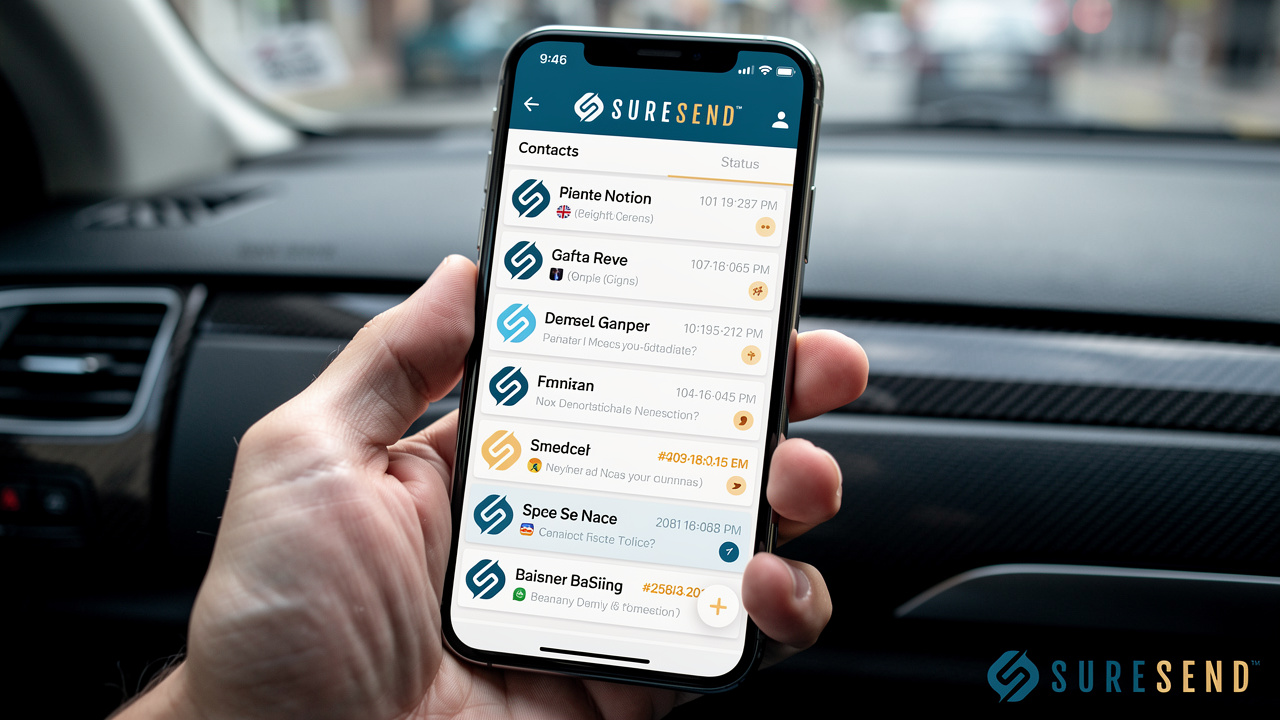
Mobile access and built-in communication sit at the top of the list because new agents spend most of their working hours away from a desk, not behind one. A CRM that only functions well on a desktop browser forces agents to juggle a second system in the field, checking notes on their phone while actual client activity happens somewhere else entirely.
When built-in dialer all land in a single thread instead of three separate apps, an agent can glance at one conversation and see the complete history with that client. That single view matters most in the moments that decide deals: a showing, an open house, or a quick call back between appointments.
How Can Automation Help You Follow Up Without Burning Out?
Automation helps new agents maintain the consistent follow-up that conversion depends on, without requiring manual effort for every single touch. Research on buyer behavior consistently shows that it takes multiple contacts before most prospects are ready to move forward, a pattern echoed in direct mail response statistics showing that response rates climb significantly with repeated touches, and when lead volume grows past a handful of names, manual follow-up collapses under its own weight.
automated drip sequences solve this by running in the background while an agent focuses on showings, calls, and closings. A new agent can set up separate sequences for distinct groups, each one built around what that contact actually needs to hear next.
New leads receive a quick welcome message followed by a short nurture sequence that keeps them engaged while the agent works to respond personally.
Active buyers and sellers get property updates, showing reminders, and check-ins tied to where they sit in the transaction.
Past clients receive market updates and milestone touches that keep the relationship warm long after closing.
Sphere-of-influence contacts get occasional, low-pressure communication that keeps the agent real estate referrals.
None of this replaces personal outreach, but it closes the gap between the touches an agent can realistically make by hand and the number a growing database actually requires.
Protecting Consent While You Automate Outreach
Automating outreach only works if it stays compliant, which means building consent protection into the system rather than treating it as a manual checklist. Do Not Call scanning and proper carrier registration for business texting compliance prevent an agent from accidentally contacting someone who’s opted out. Automated call recording disclosure handles a detail many new agents forget entirely, since a CRM that triggers the disclosure automatically removes that risk before it ever becomes a problem.
Why Your Database Matters More Than You Think In Year One
A new agent’s database is the single database as revenue asset they own, far more valuable than any individual lead source. Closings that come from an agent’s own database are roughly 30 to 40 times more cost-efficient than cold leads bought from a portal, largely because existing contacts already trust the agent.
That trust shows up in the numbers. Existing contacts convert at somewhere around 60 to 70%, compared to just 5 to 20% for brand-new prospects who’ve never interacted with the agent before. This gap is exactly why a CRM that nurtures a database over time pays off far more than one that only chases fresh leads.
Yet most agents database reactivation. Industry surveys suggest that roughly 88% of past clients say they’d use the same agent again, but only somewhere between 12 and 20% actually do. The gap almost always comes down to lost communication, not dissatisfaction, which is exactly the problem a consistent CRM habit is built to solve.
Which CRM Tools Actually Work For New Real Estate Agents?

The best real estate CRM platforms for new real estate agents share a few traits: they’re fast to set up, affordable enough for a thin first-year budget, and built around daily habits rather than theoretical features. Among the platforms worth considering, Sure Send stands out for agents who want a system designed specifically around the behaviors that drive early production, while a handful of other established platforms serve agents with different priorities around budget, integrations, or customization.
Sure Send Is Built Around The New Agent’s Daily Habits
Sure Send approaches the new agent CRM problem by starting with daily behavior instead of a feature list. The Win the Day Dashboard and Take Action queue automatically surface which contacts haven’t been reached within a set window, so an agent never has to guess who needs a call today. The Winning Formula builds on this by converting daily activity, like calls made, into a real dollar value based on the agent’s own six-month conversion history rather than a generic industry benchmark, giving new agents an honest, personalized scoreboard.
Its Inboxes bring every call, text, email, and voicemail into one thread, while AI Calling and AI Texting run as monitored automation rather than a black box. Built-in compliance support, including Do Not Call scanning and automatic recording disclosures, plus an in-house email deliverability team, reduce technical risk a solo agent shouldn’t have to manage alone. Because the platform uses an open API rather than locking in data, it scales from a solo new agent today to a full team later without a painful switch.
Other Notable Options For New Agents
Several other platforms serve new agents well, each with its own trade-offs worth weighing against the rep-first approach described above. The right fit depends on budget, team structure, and how much setup time an agent can realistically spend.
IXACT Contact runs a Rookie Agent Program offering six months free to first-year agents, paired with a simple interface and IDX integration. It falls short on audience segmentation and some third-party integrations can feel clunky.
Wise Agent delivers a comprehensive feature set starting at $49 per month for up to 5 users, backed by strong 24/7 live support and solid transaction checklists. The interface feels somewhat dated and reporting is lighter than higher-end platforms.
Follow Up Boss offers over 250 integrations and strong calling features, appealing to agents who rely heavily on phone outreach. It skips a built-in website, and onboarding can move slowly for agents eager to start immediately.
Pipedrive brings flexibility and an affordable entry price starting around $24 per user per month, but it requires manual setup for real estate-specific workflows and lacks built-in calling or texting.
How Do You Roll Out A CRM Without Overwhelming Yourself?

Rolling out a CRM without overwhelming yourself starts with resisting the urge to configure every feature on day one. New agents get the best results by picking one clear workflow and running it consistently before layering on anything more advanced.
Start with a single defined process for new leads, one for active listings, and one for past clients, and get comfortable logging activity in each before adding automation on top. Trying to build a complete system in the first week usually backfires, since the complexity becomes a reason to avoid opening the app altogether.
Short, live training sessions built around real scenarios, an actual lead coming in, an actual follow-up going out, teach more in twenty minutes than a long video tutorial ever will. Adopt one simple rule from the start: if it’s not in the CRM, it doesn’t count. Let that discipline carry you through the first few months while the habit solidifies.
The Takeaway
Success with a CRM for new real estate agents comes down to consistent daily habits, not how many features a platform can list on its pricing page. The agents who build momentum in year one are the ones who respond fast, follow up without fail, and trust a simple system to tell them who needs attention today.
Choose a platform that protects speed-to-lead, keeps follow-up consistent, and handles compliance automatically, while leaving room to grow as your business does. Sure Send was built around exactly that kind of daily operating rhythm, making it a strong starting point as you evaluate your options against the criteria covered here.
Frequently Asked Questions
Do I Really Need A CRM In My First Few Months As An Agent?
Yes, even with a small database, because the habits you form in month one determine whether follow-up stays consistent as your lead volume grows. Starting early also means your database builds correctly from day one instead of needing a messy cleanup later.
How Much Should A New Agent Expect To Pay For A CRM?
Pricing ranges from roughly $49 per month on affordable platforms to $900 or more on enterprise-level systems. New agents should prioritize essential features like contact management, automation, and mobile access over enterprise add-ons they won’t use yet.
Can I Switch CRMs Later Without Losing My Data?
You can, as long as the platform supports an open API and direct integrations rather than relying solely on fragile middleware connections. Choosing a system built around data portability from the start protects you from vendor lock-in down the road.
What’s The Difference Between A CRM Built For Real Estate And A General CRM Like Pipedrive Or HubSpot?
General-purpose CRMs require manual setup of real estate-specific fields, pipelines, and compliance tools before they fit your workflow. Purpose-built real estate platforms come preconfigured for property transactions, MLS data, and the consent rules unique to real estate outreach.
How Long Does It Take To Set Up A CRM As A Brand-New Agent?
Simple, well-designed platforms can be running within a few days of signing up. Avoid any system that requires weeks of configuration or developer help, since that delay directly slows down the habits you need to start building immediately.
Should I Wait Until I Have A Bigger Budget To Invest In A Good CRM?
Waiting usually costs more than it saves, since early habits and fast lead response matter more than budget size in your first year. Several affordable platforms with strong support exist specifically for agents at this stage, so there’s little reason to delay.